
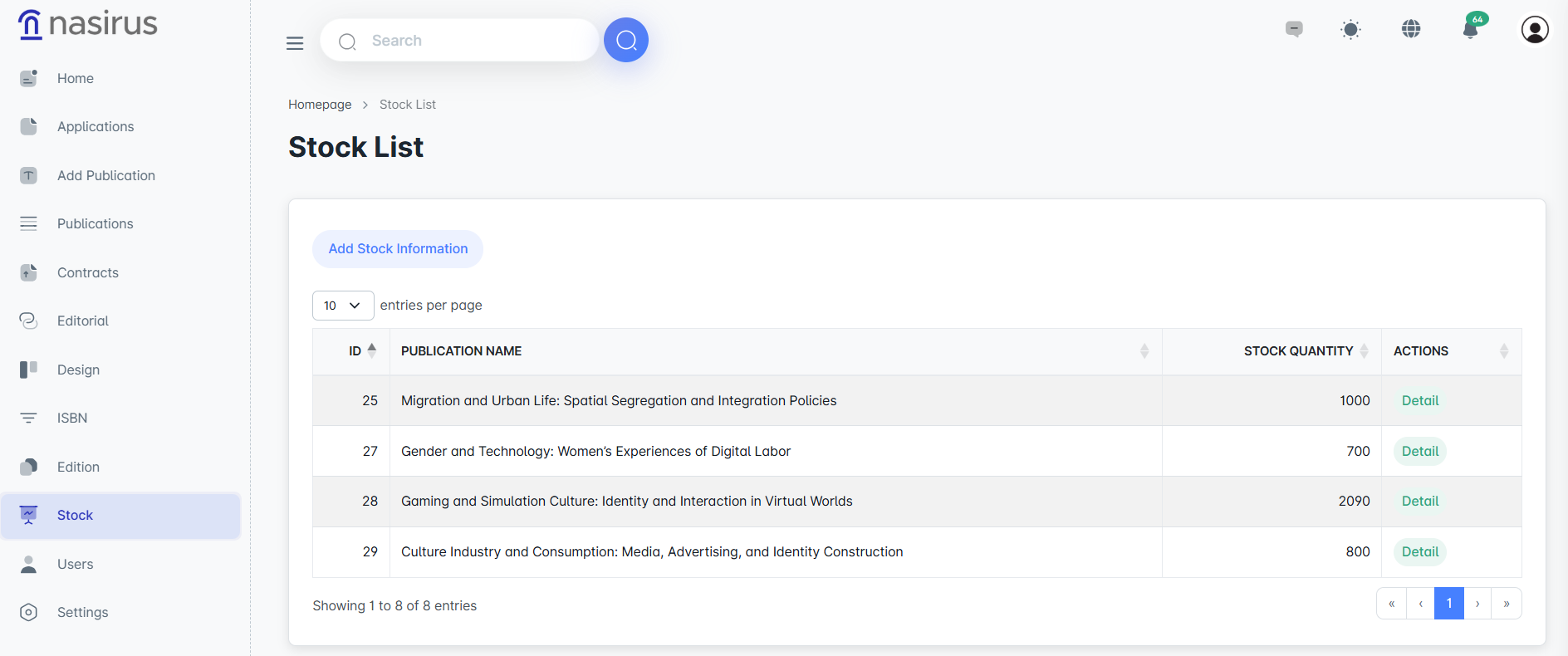
On the Stock List screen, the current stock quantities of all publications are displayed collectively. This screen provides administrators with the ability to quickly see the stock level of each publication. In addition, the stock movements for the relevant publication can be reviewed using the Details button next to each publication.
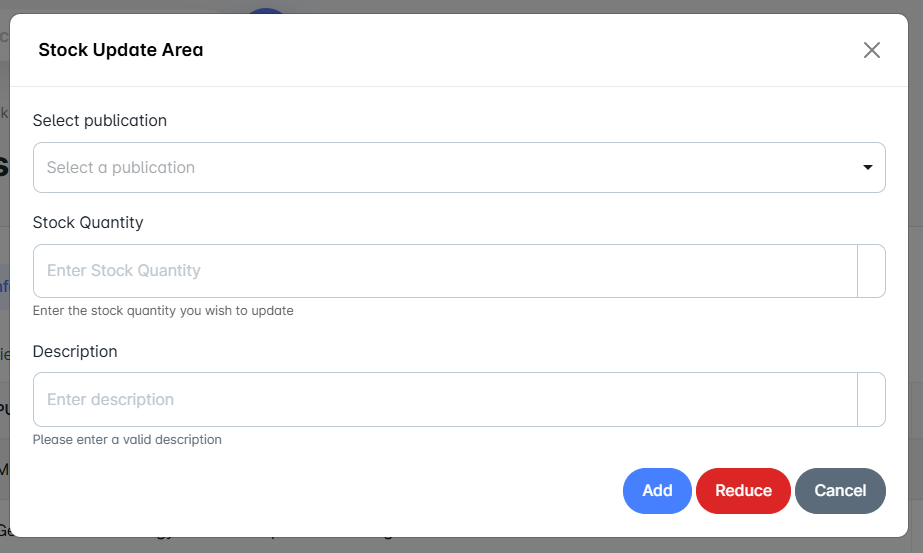
The Stock Update section is designed for manually increasing or decreasing stock quantities. Here, the user selects the publication, enters the stock quantity, and specifies the type of operation. While updating, the description field must be filled in. In this way, each stock movement is recorded along with its justification. This structure ensures transparency and traceability in stock management.
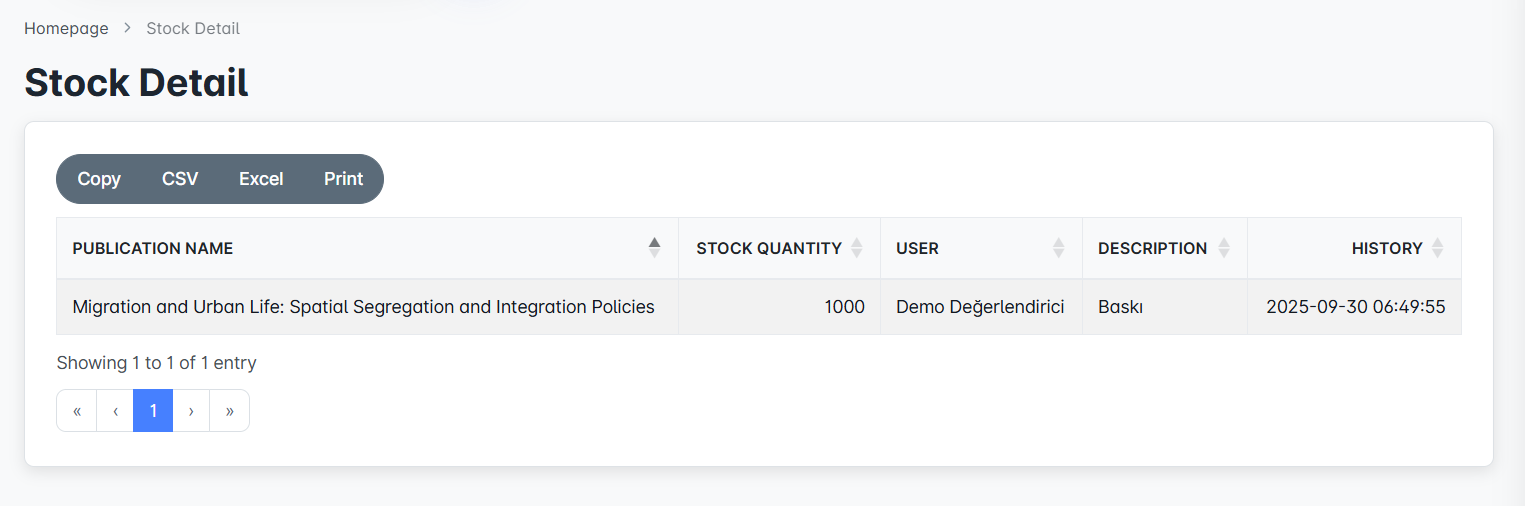
On the Stock Details screen, all stock movements for the selected publication are listed in chronological order. Here, for each action, the stock quantity, the user who performed the operation, the description, and the date information are included. This information is not only tracked within the system, but can also be reported in Copy, CSV, Excel, and Print formats thanks to the export options. In this way, the stock management process can be recorded both digitally and in printed reports.