
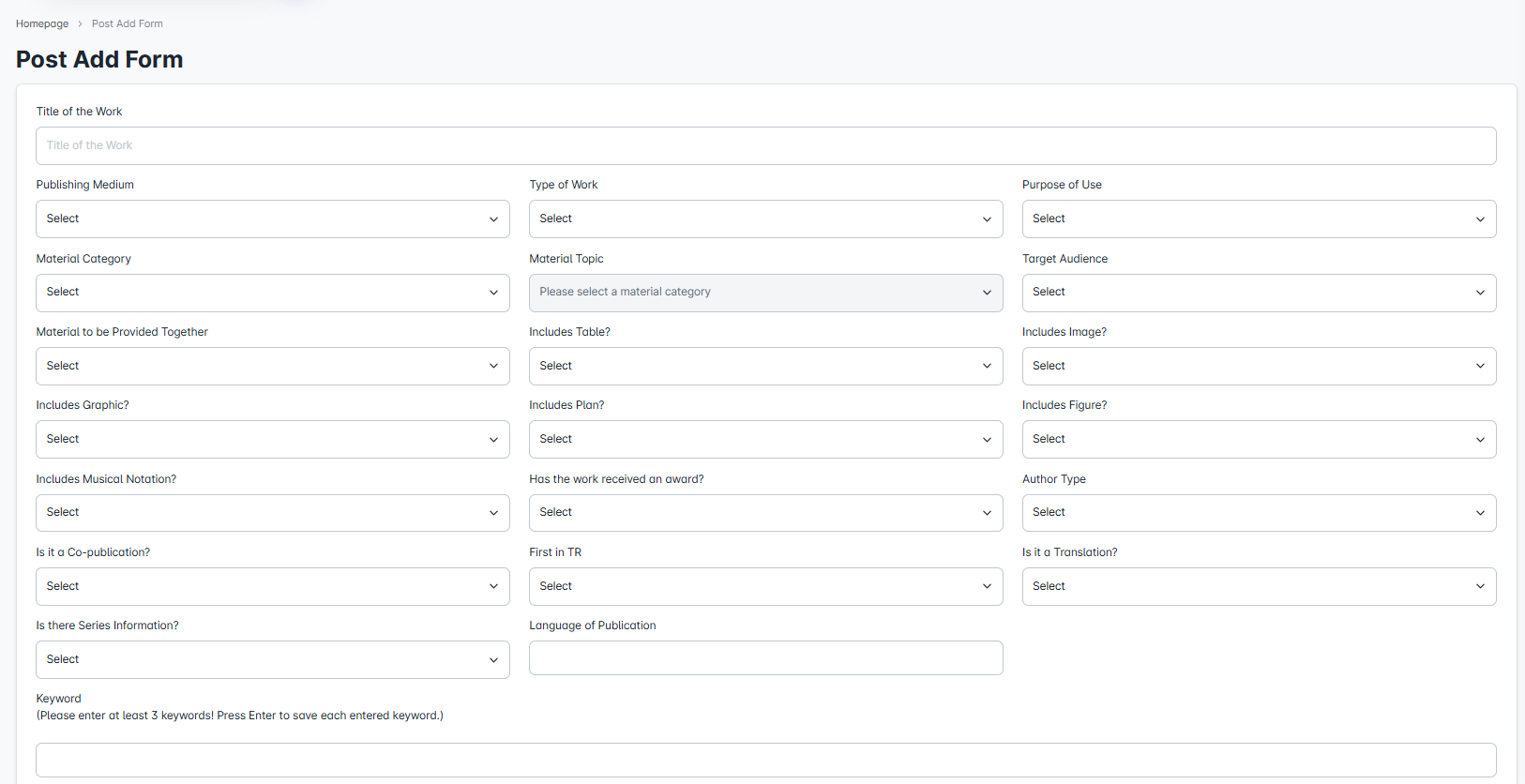
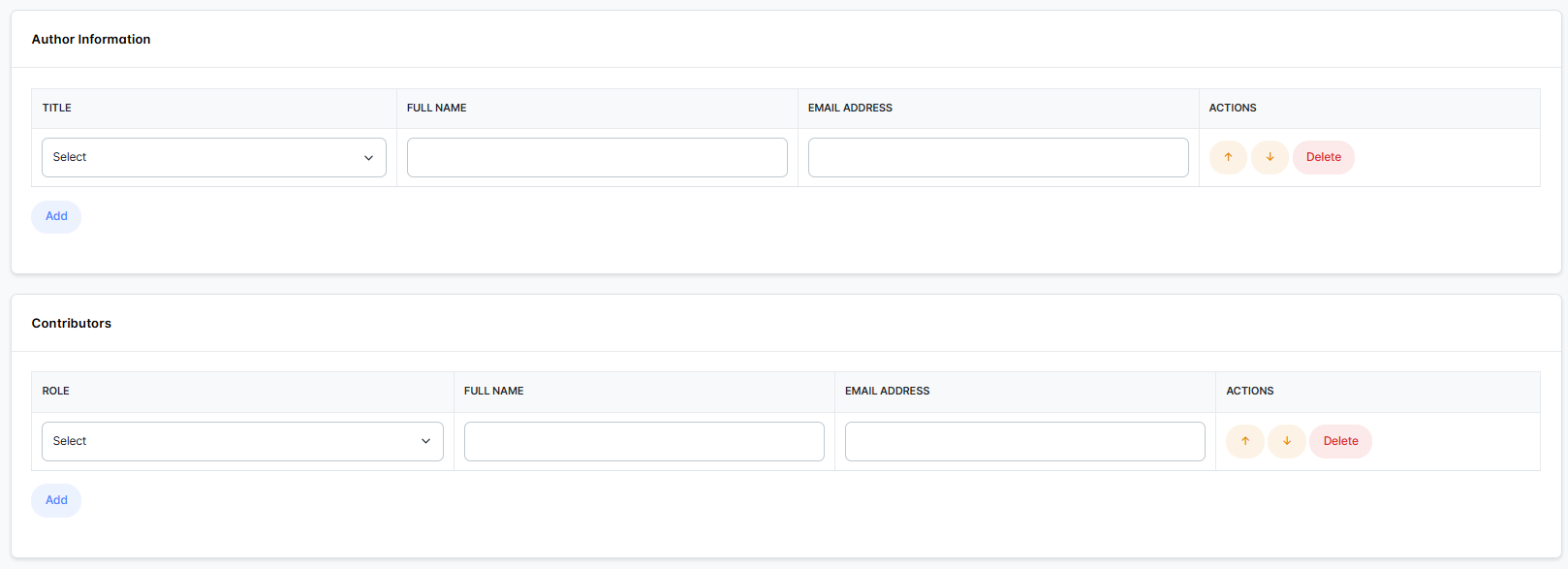
This area functions similarly to the submission addition form. Administrators can add a new publication to the system by filling in the required publication information (e.g., title, type, target audience, material category, etc.). However, publications added by administrators do not appear in their own "Publications" list; they are listed only in the "Submissions" list with the status of a submission that has received an acceptance letter. In contrast, other administrators can view the same publication in the "Publications" list and manage its ongoing processes.
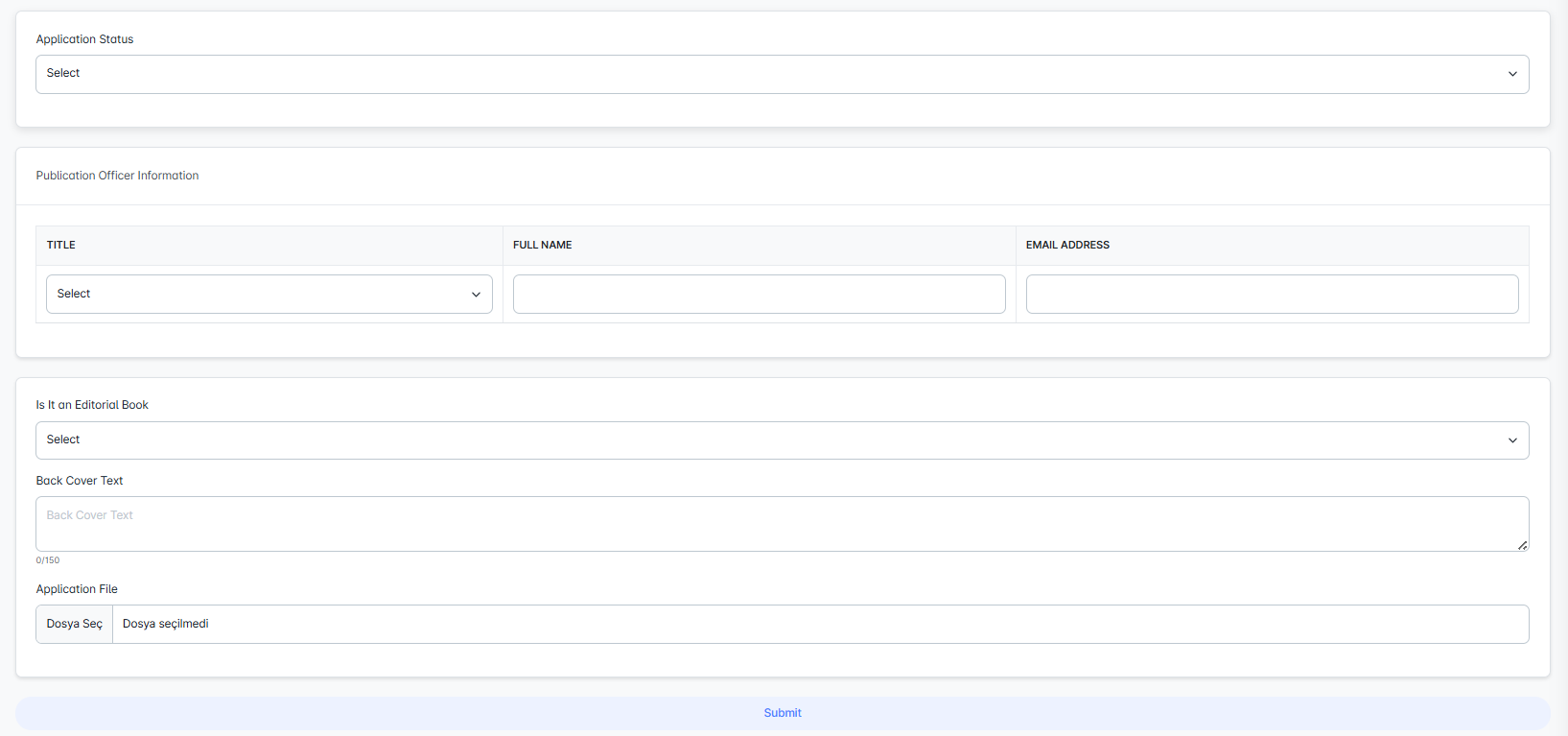
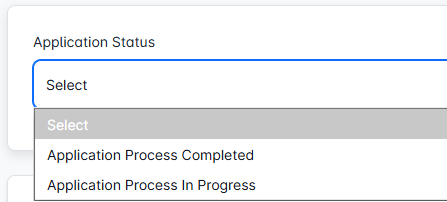
In this section, the application can be marked as either "Ongoing" or "Completed". If the application has received an "Acceptance Letter," it is automatically updated to the published status in the system. This allows the process to be clearly distinguished and facilitates easier management.