
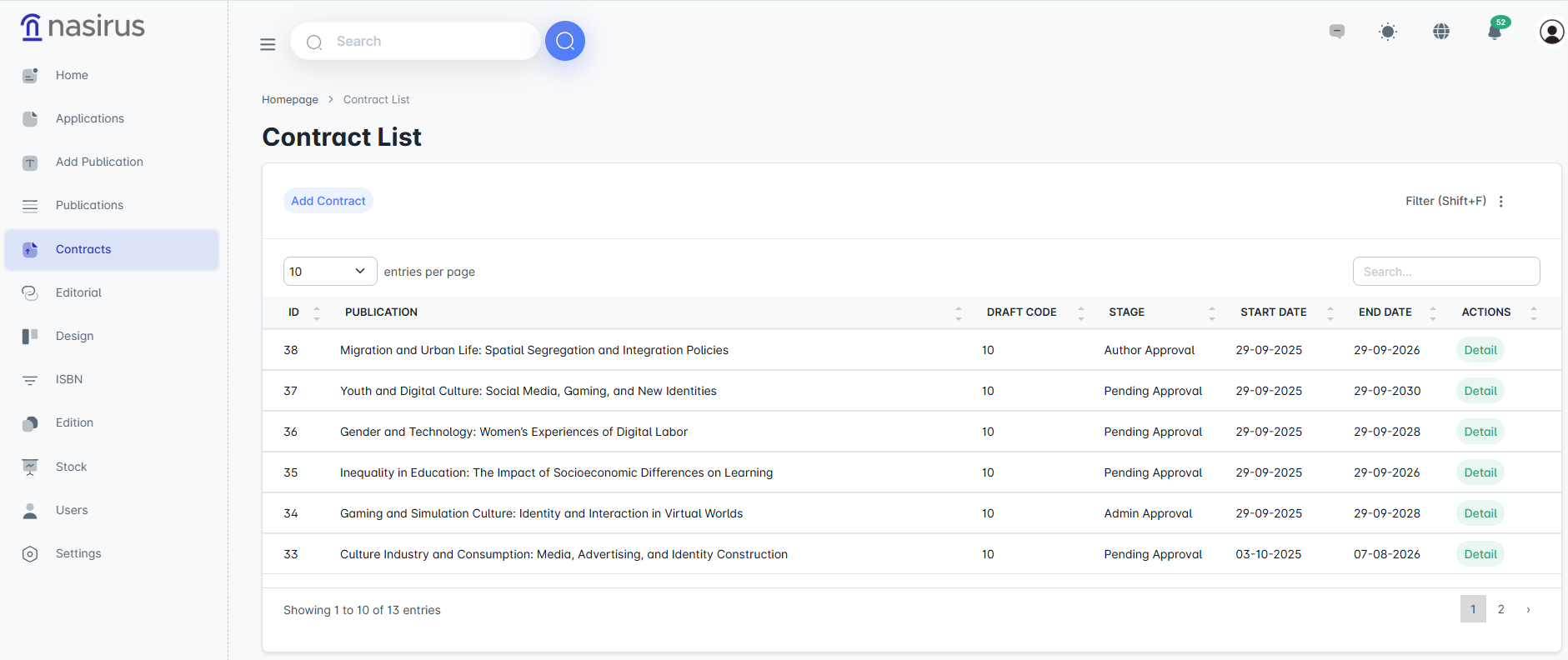
This screen displays a list of all contracts added to the system. Each contract is linked to the corresponding publication, and key information such as the publication name, draft code, current stage, start date, and end date is shown in a table format. Administrators can access the details of the contracts from here and monitor their progress.
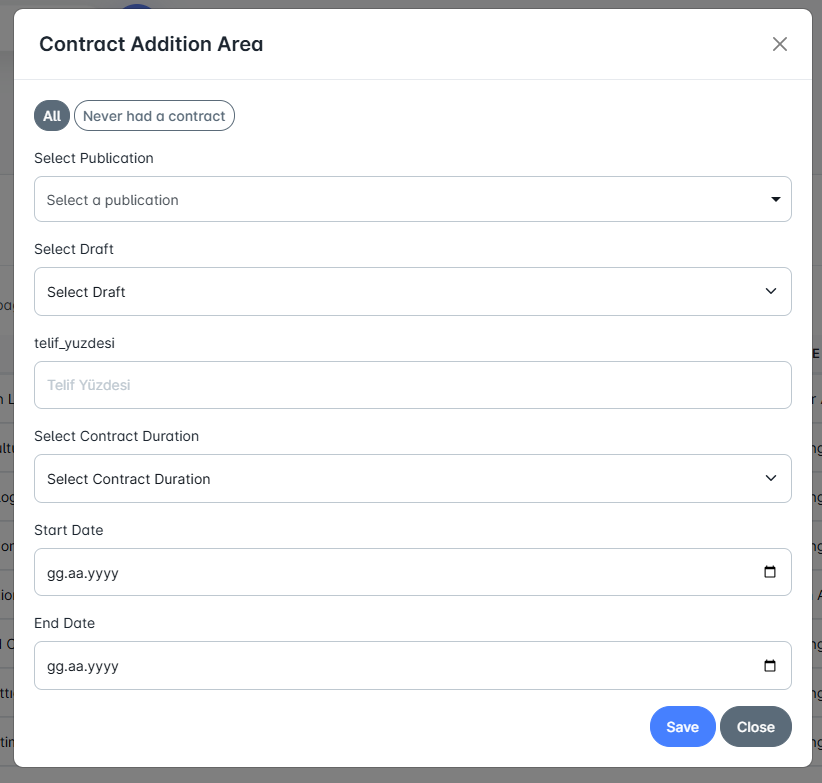
This screen is used to register a new contract in the system. If desired, the administrator can select from all publications or only from publications that have never had a contract assigned. After selecting the relevant publication, the administrator defines the draft template and the contract duration. The contract start and end dates are automatically assigned based on the contract date. Once saved, the contract is automatically sent to the author of the publication. From this stage onward, the author becomes involved in the contract signing process.
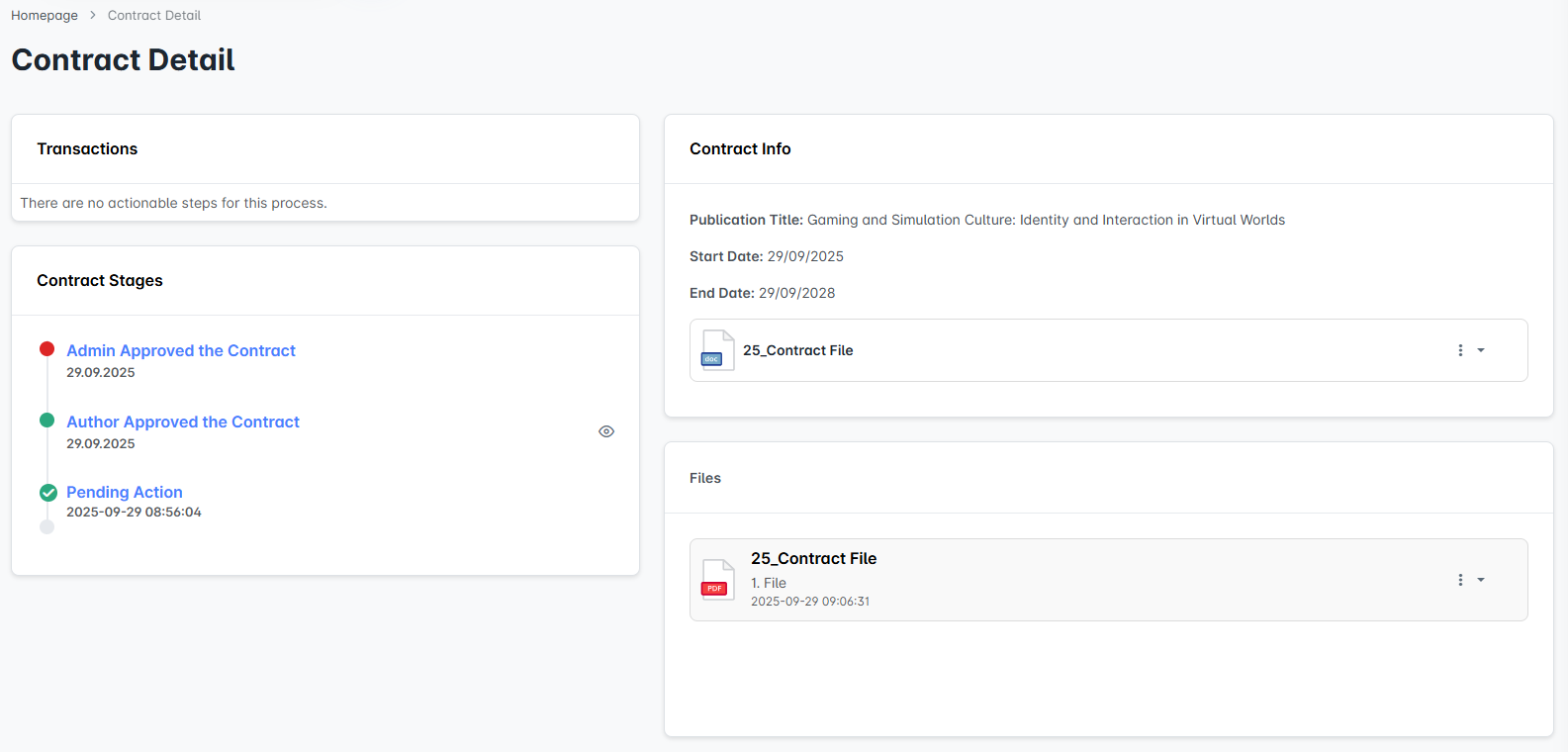
Detailed information about the contract is displayed on this screen. On the left side, the stages of the contract are shown in a timeline (e.g., "Administrator Approval," "Author Approval," "Pending Action"). On the right side, the publication title, the contract start and end dates, and the contract files (docx/pdf) are displayed.
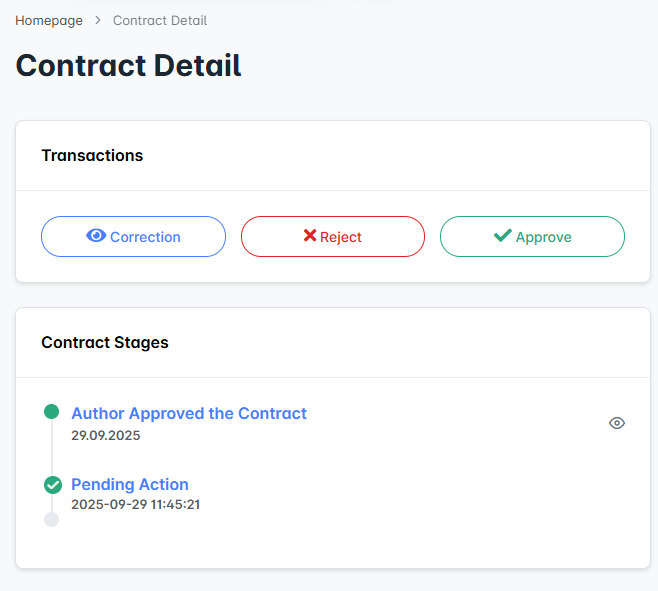
After the author signs the contract and uploads it to the system in PDF format, the administrator can view the document. The administrator is presented with three options:
These steps ensure that the process is conducted in a controlled and formal framework.