
The first screen displays the User Listing page. This table shows basic information for each user, such as their ID, title, first name, last name, and email address. In addition, the Profile button in each row allows access to the detailed profile of the corresponding user. This enables administrators or authorized personnel to quickly reach users’ basic information and initiate the necessary actions.
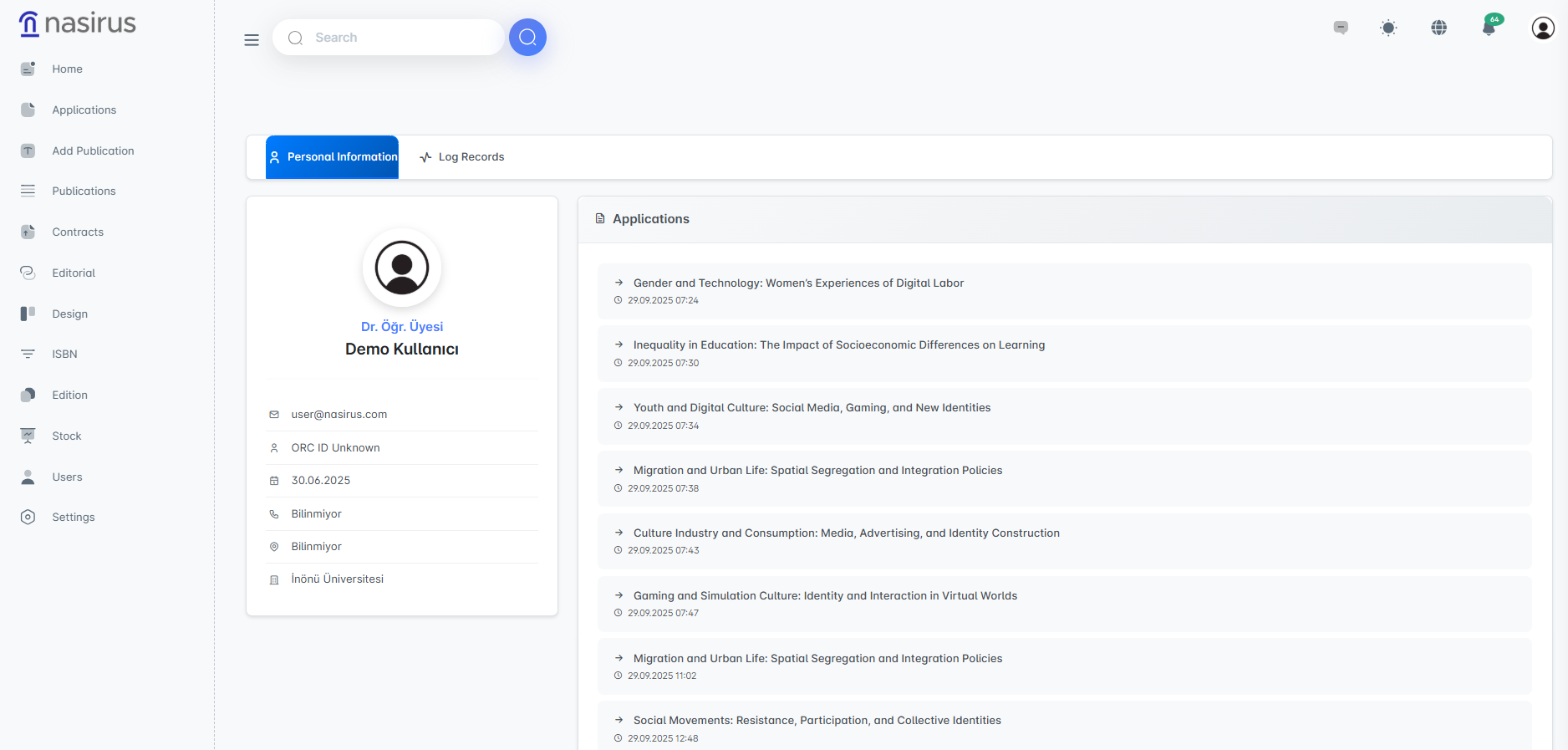
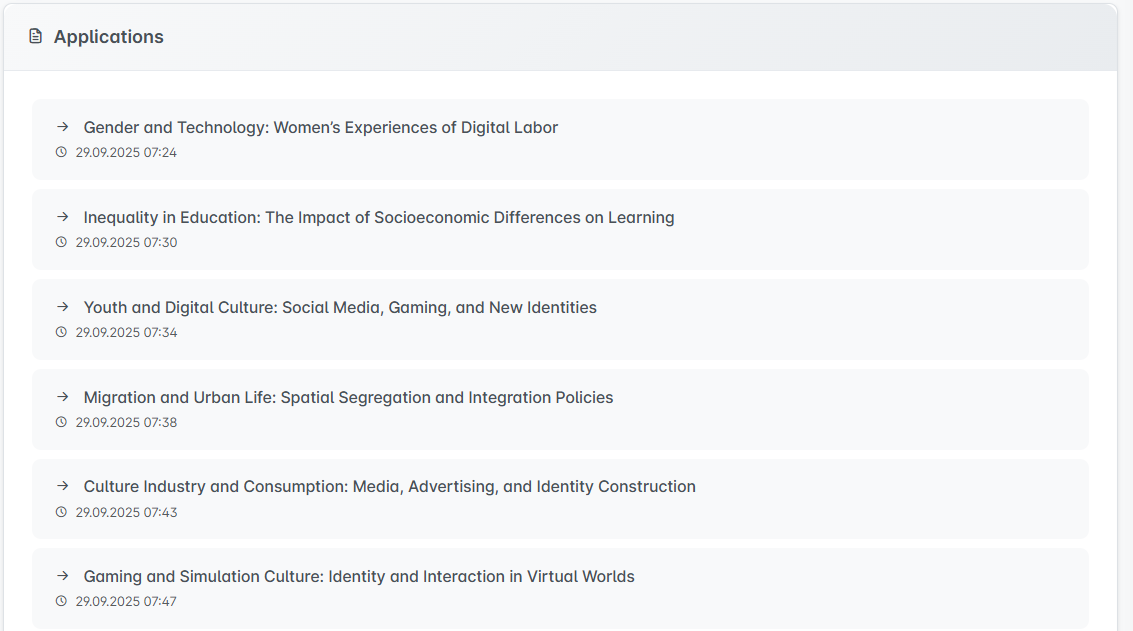
When accessing the Profile screens, much more comprehensive information about the user is presented. On the left side, the user’s identity information (such as first name, last name, title, email, and institution details) is displayed. On the right side, the applications submitted by the user are listed. These applications are shown along with date and time information, contributing to the transparency and traceability of the processes.
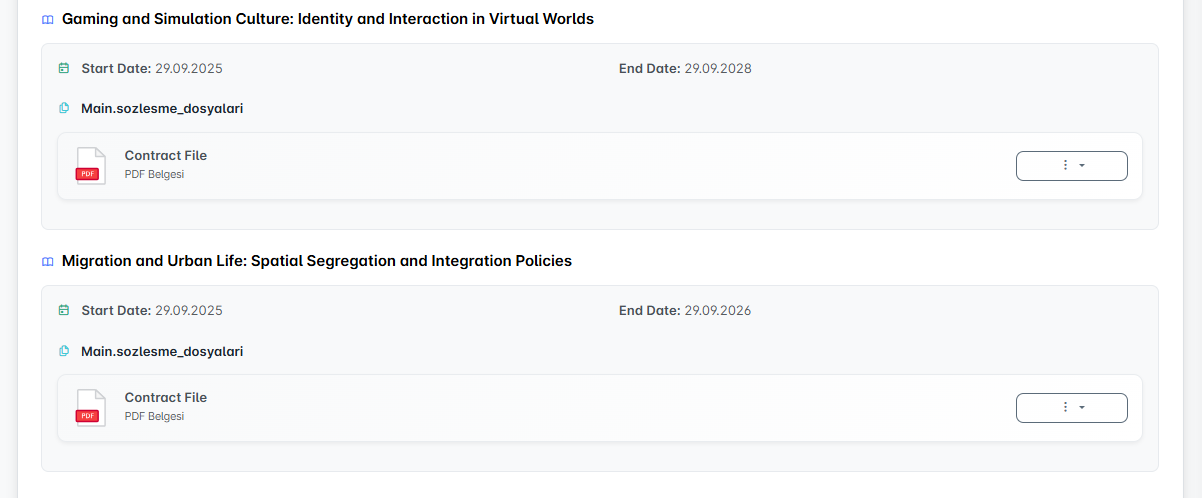
In the next section, the publications the user is involved in are displayed. The titles of the publications are listed, and the relevant contract information is also presented in detail. Here, the start and end dates of contracts, as well as any uploaded contract files, can be reviewed.
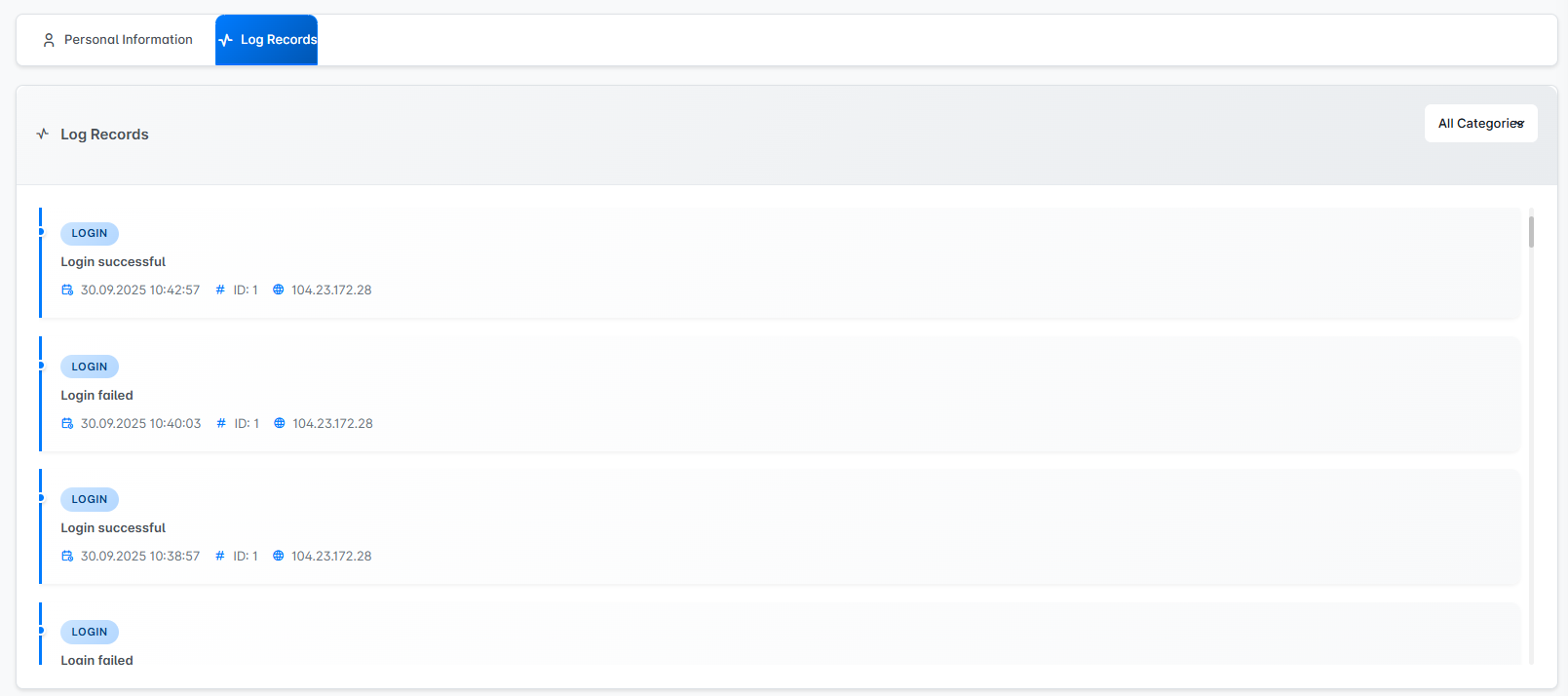
Finally, in the Log Records tab, the complete history of all actions performed by the user is listed. In particular, the approval or rejection status of contracts is recorded along with the relevant timestamps, IP addresses, and transaction IDs. This structure ensures that user activities are documented, providing the necessary transparency for auditing and security purposes.