
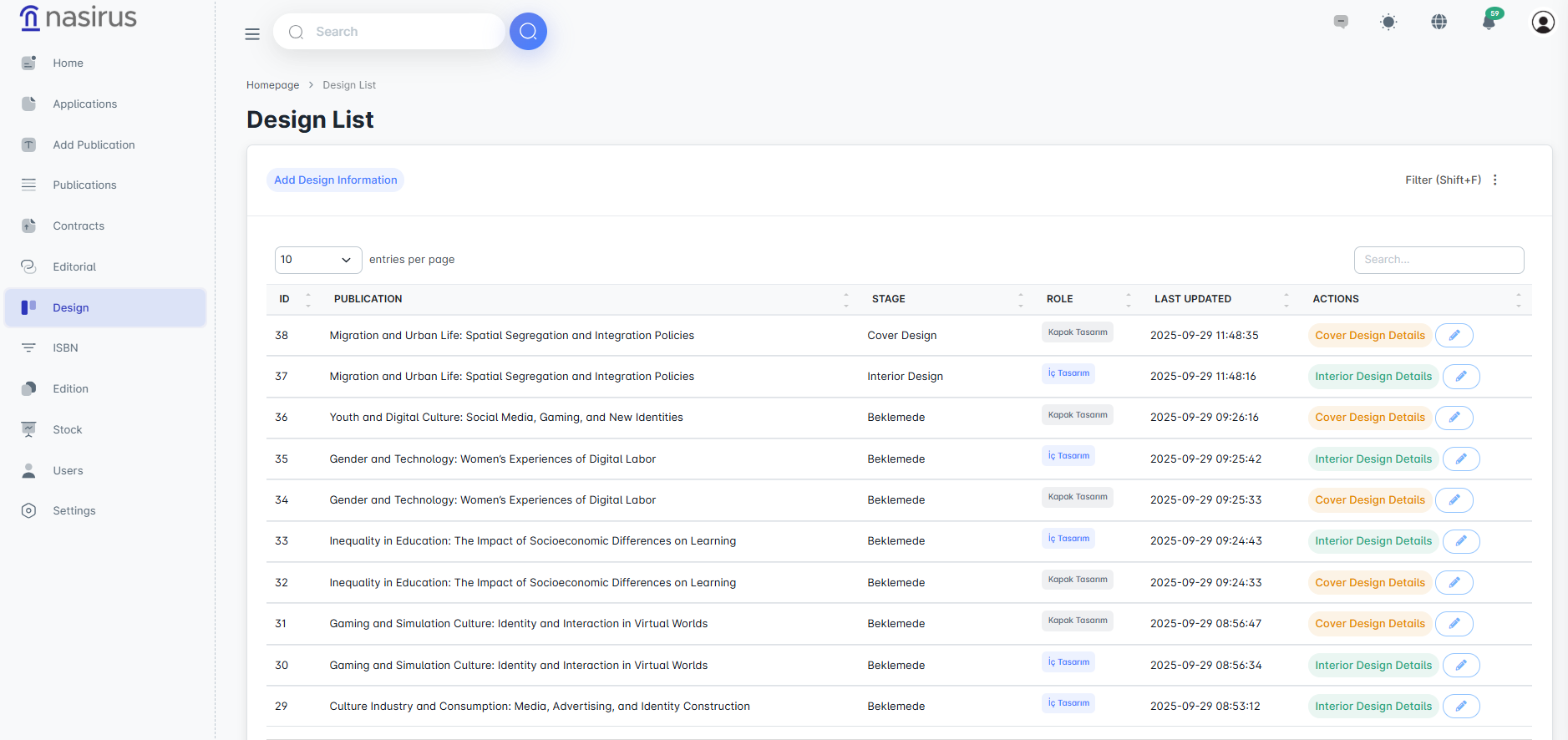
This screen lists the design processes for all publications. The stages of the publications (e.g., cover design, interior design) and their current statuses are displayed. Administrators can track the design processes from here and manage the process by accessing the relevant detail screen.
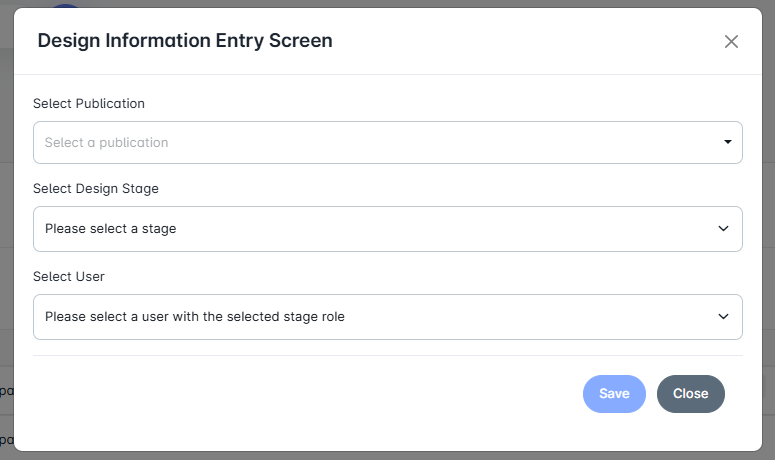
This section is used to initiate a new design process. After selecting the relevant publication, the design stage (cover or interior design) is determined, and the user who will carry out the process is assigned. This ensures that design tasks for each publication are directed to qualified personnel.
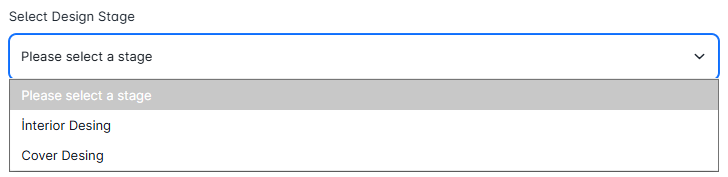
Here, you determine which design area the process falls under. Available options include Interior Design and Cover Design. This allows each task to be assigned to the appropriate user based on their area of expertise.
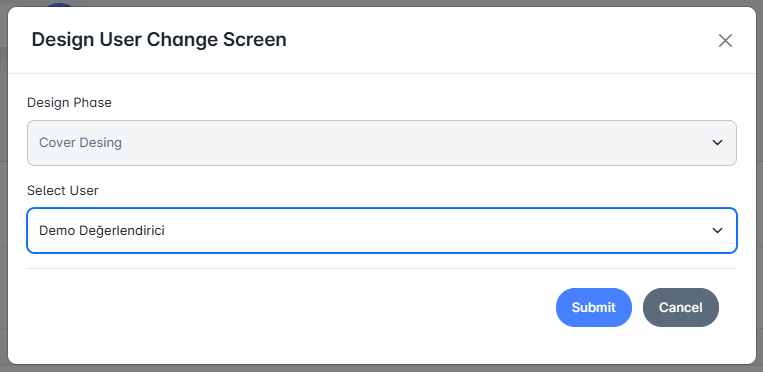
This screen allows for changing the user assigned to a previously assigned design task. For example, a cover design process can be transferred from one user to another designer. This provides flexibility and ensures that the process continues without interruption.
On the detail screen, all stages of the design process for the selected publication are displayed. It is clearly shown when the cover or interior design was carried out, by whom, and the files that were uploaded. Administrators can review the files uploaded by the designer here and manage the process using the approve, reject, or revise options.
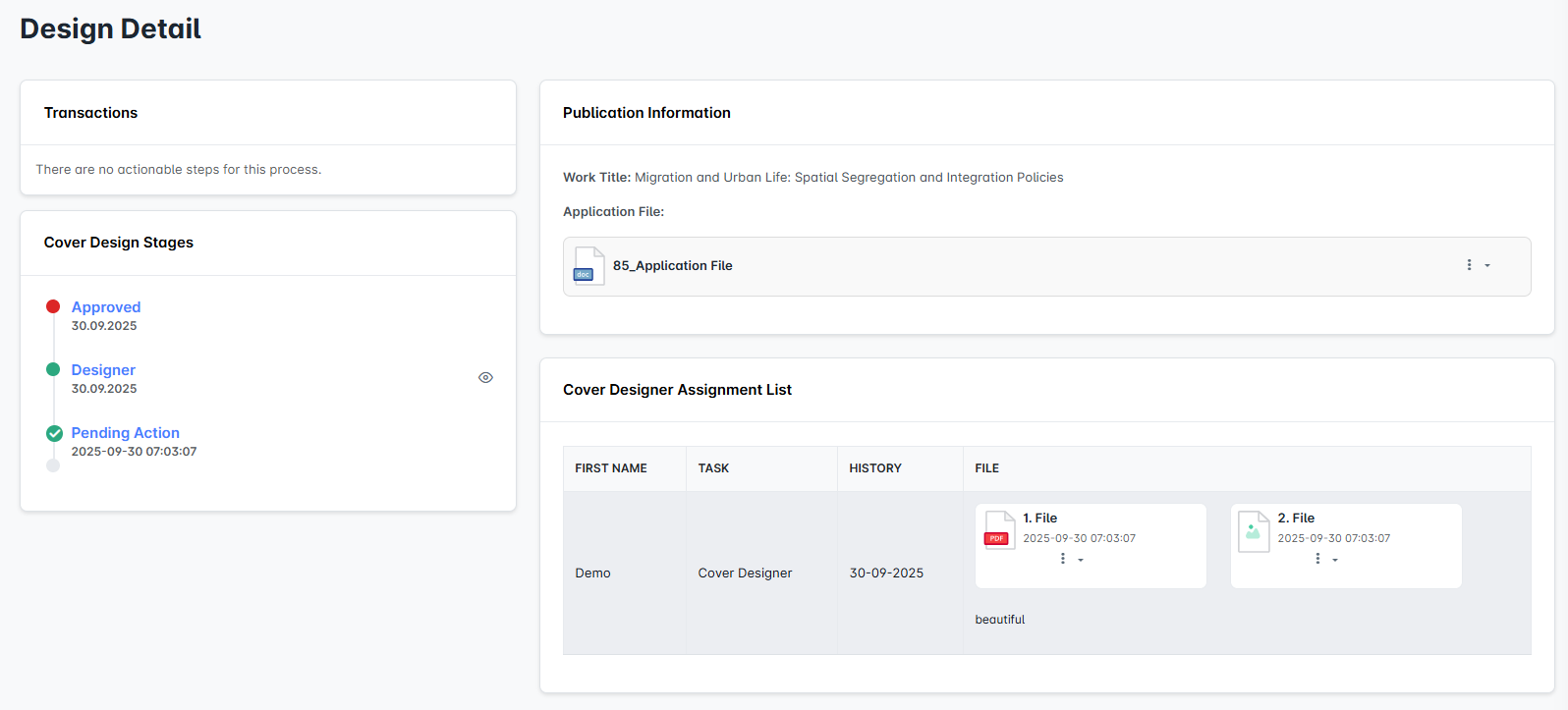
This section displays the users assigned to the cover design and the files they have uploaded. Files can be uploaded in various formats (e.g., PDF, image), and each upload is recorded along with its date. Additionally, the "Default Design" option allows the final version of a specific design to be formalized.
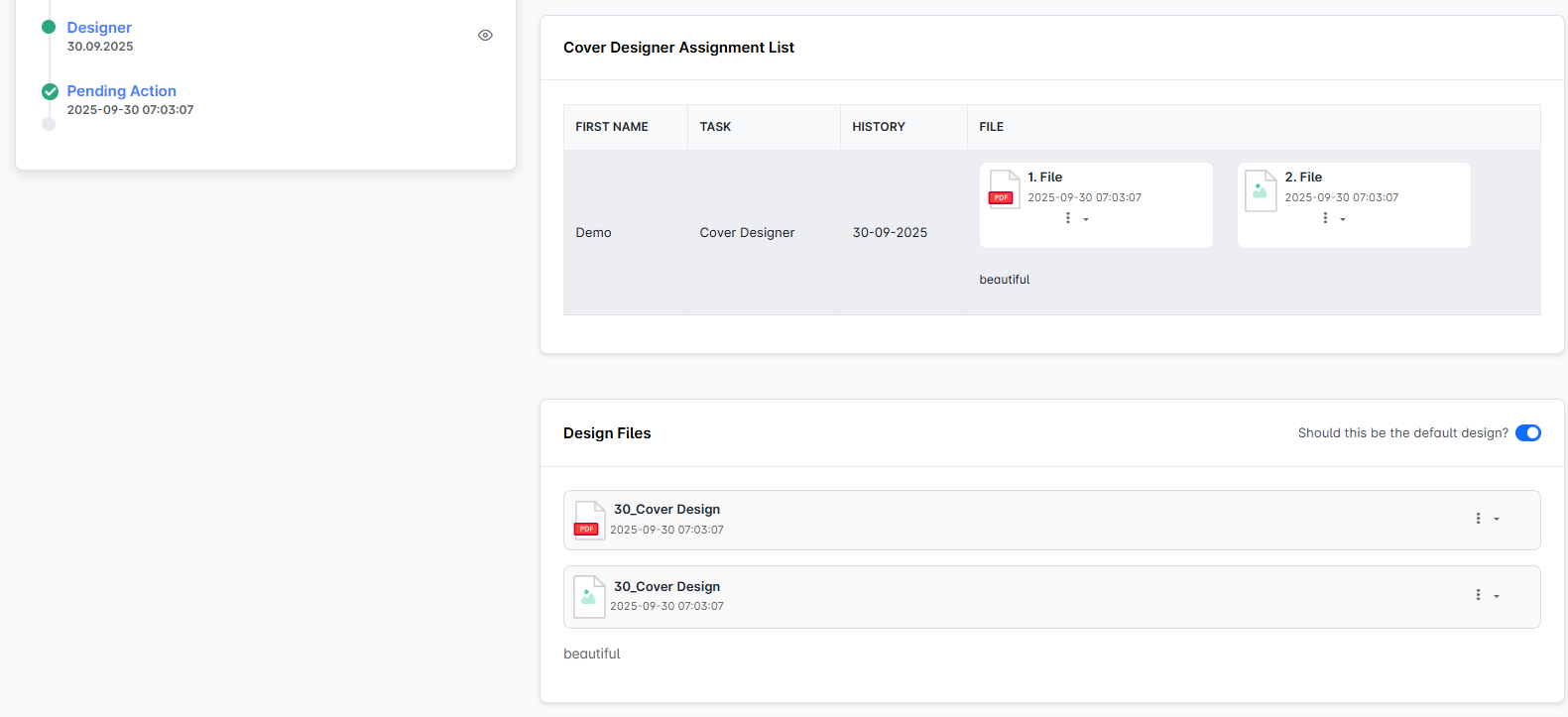
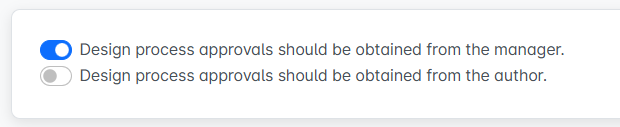
Cover or interior design works completed by designers are directed to the approve/reject/revise steps. Who receives these steps depends on the preference set in the settings tab:
If the “Design Process Approvals to be Taken from Administrator” option is active, the design files are reviewed by the administrator, and the necessary approval or revision decisions are carried out by the administrator.
If the “Design Process Approvals to be Taken from Author” option is active, the design files are sent directly to the author, and the process proceeds based on the author's approval.
This flexibility allows the institution to manage the design approval mechanism in accordance with its publication policy.