

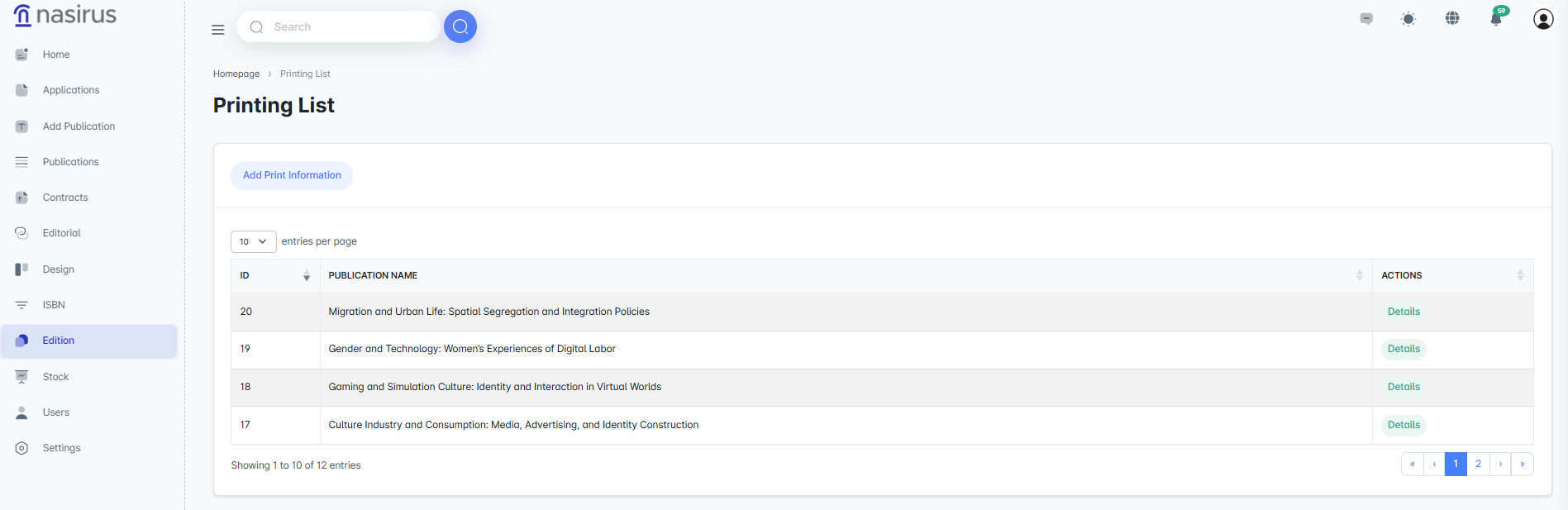
On the Printing List screen, the printing processes of publications are displayed collectively. Printing information for each publication is listed, and the corresponding record can be accessed through the Details tab. This allows administrators to easily track which publications are currently in the printing process.
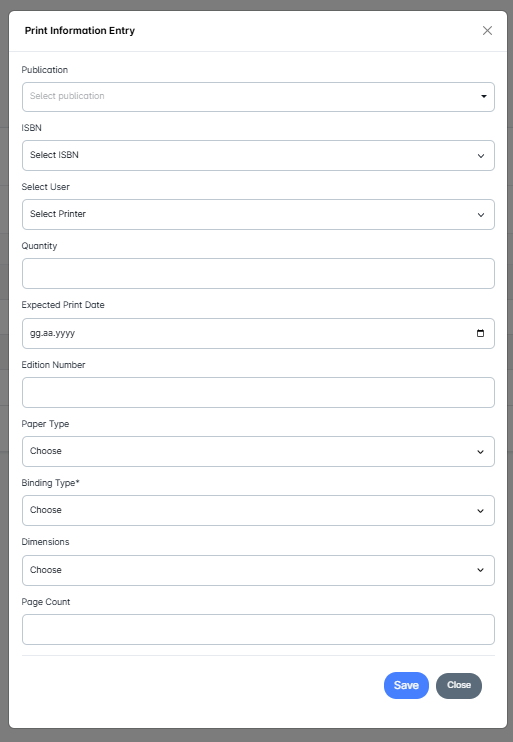
The Add Printing Information section is used to start a new printing process. Here:
This section ensures that all technical and logistical information related to the printing is fully recorded.
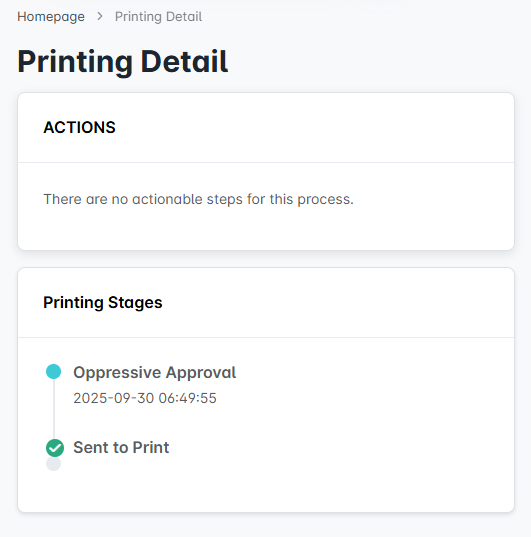
Details of a publication’s printing process are displayed on the Printing Details screen. On this screen:
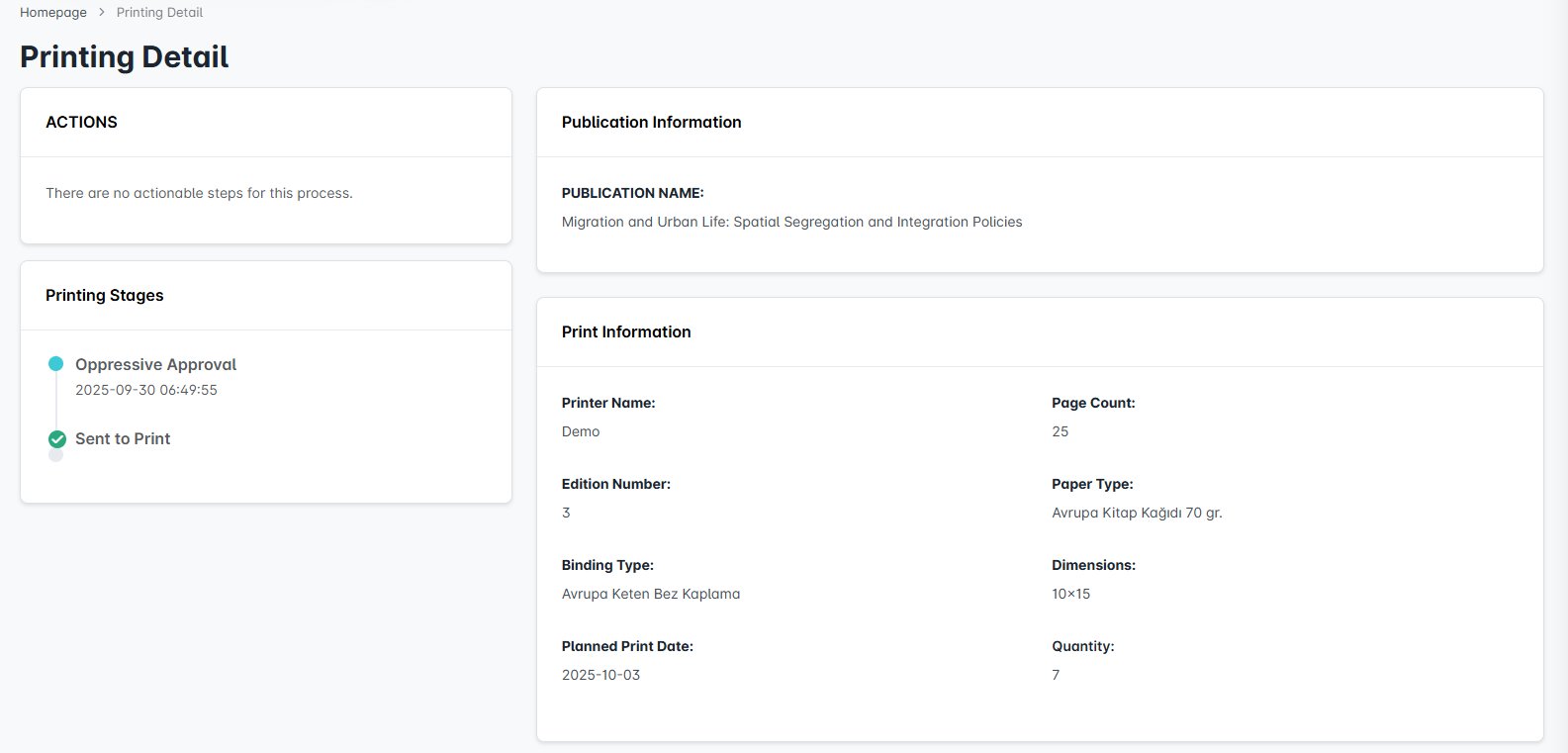
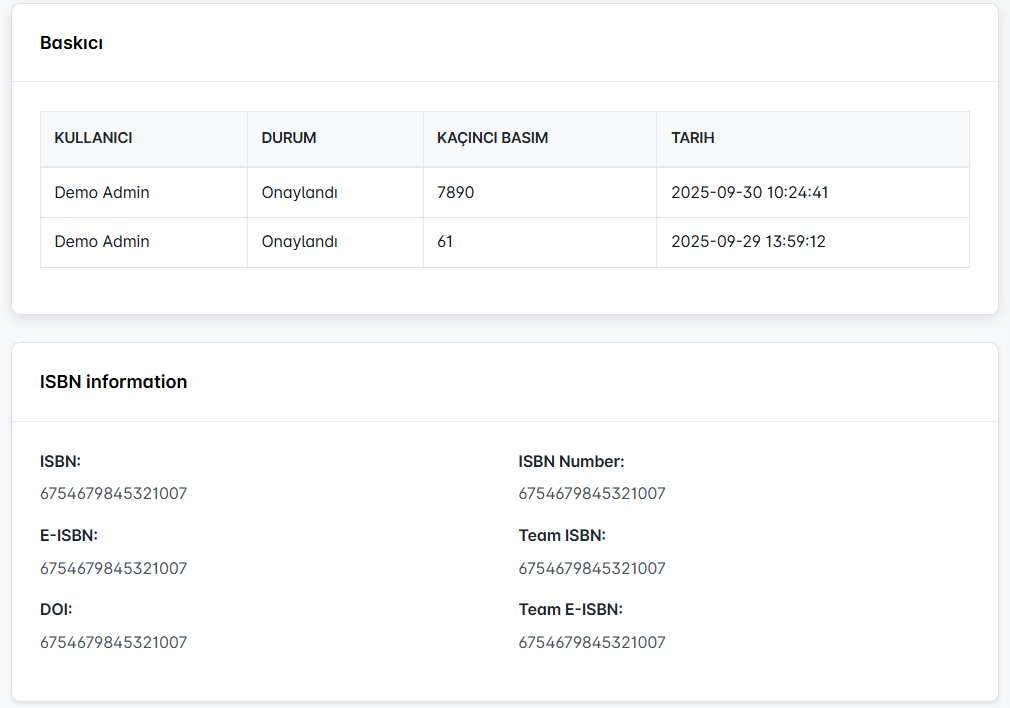
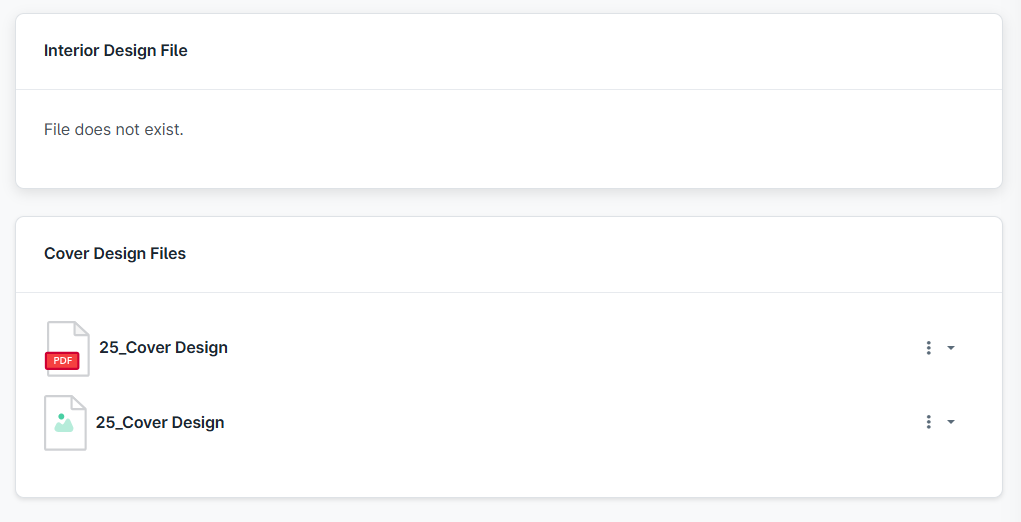
The Printing module is designed to manage the publication printing process from start to finish. The administrator assigns a printer and enters the necessary information. The printer then determines the progress of the printing by approving or rejecting the assigned process. In this way, the transition of publications to printing is carried out systematically, transparently, and with a complete record.