
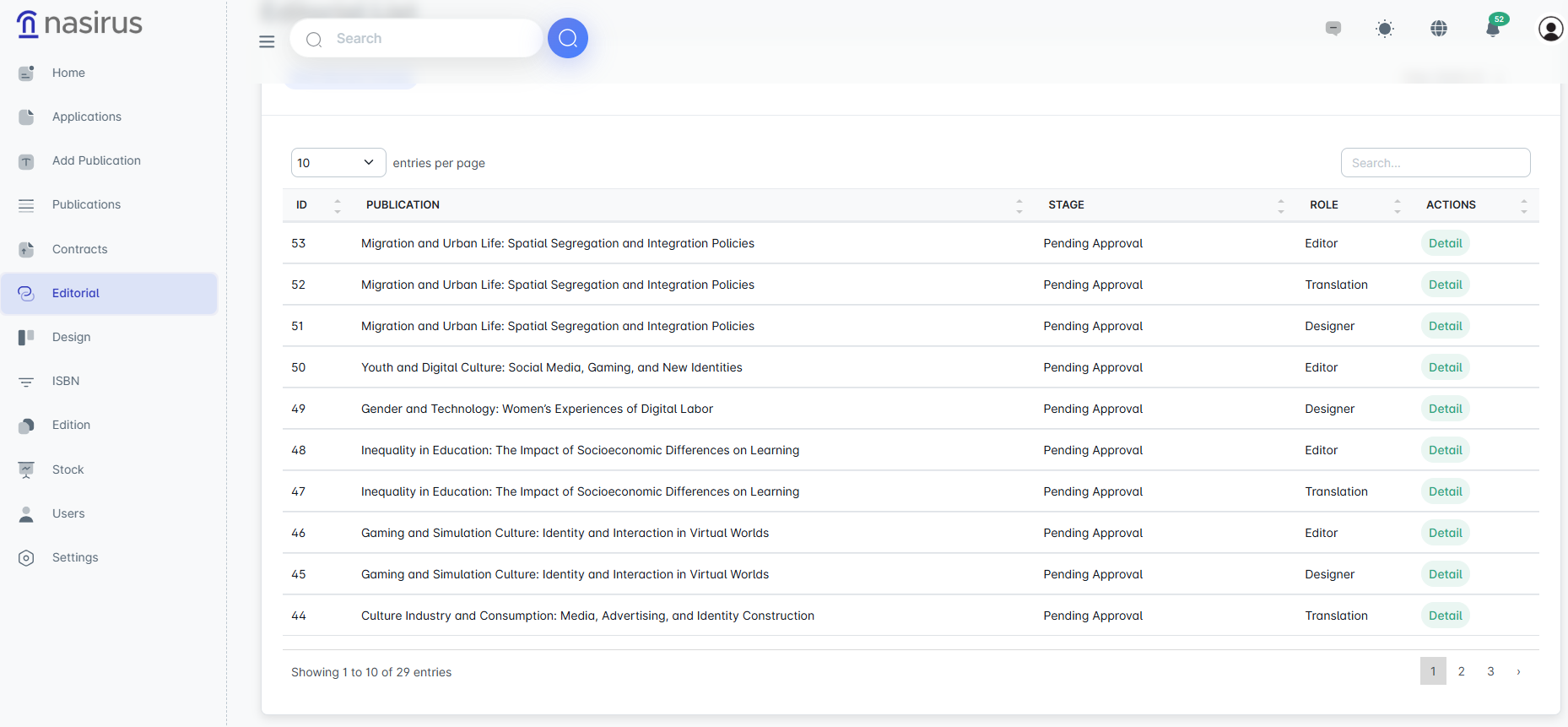
This screen displays the editorial processes carried out for publications. The publication title, current stage, relevant role (editor, illustrator, translator, etc.), and available actions can be viewed. Administrators can track the stage of each process and access detailed information from here.
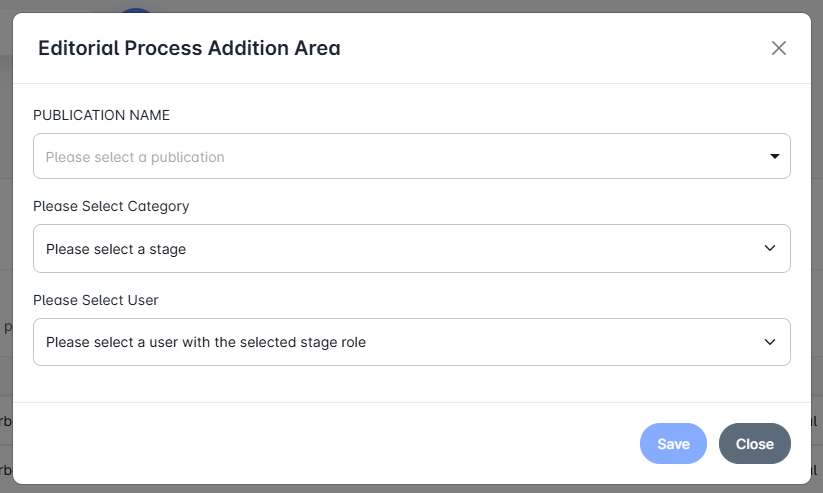
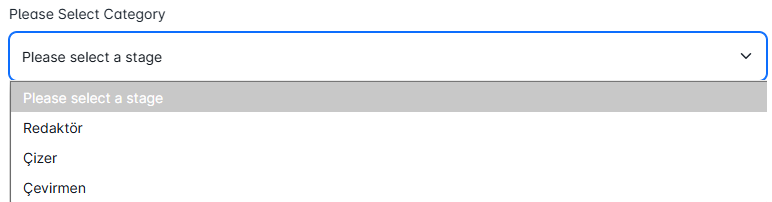
Administrators can define a new editorial process from this screen. After selecting the publication, the relevant category (editor, illustrator, translator) and the user who will take on this role are assigned. This officially initiates the process
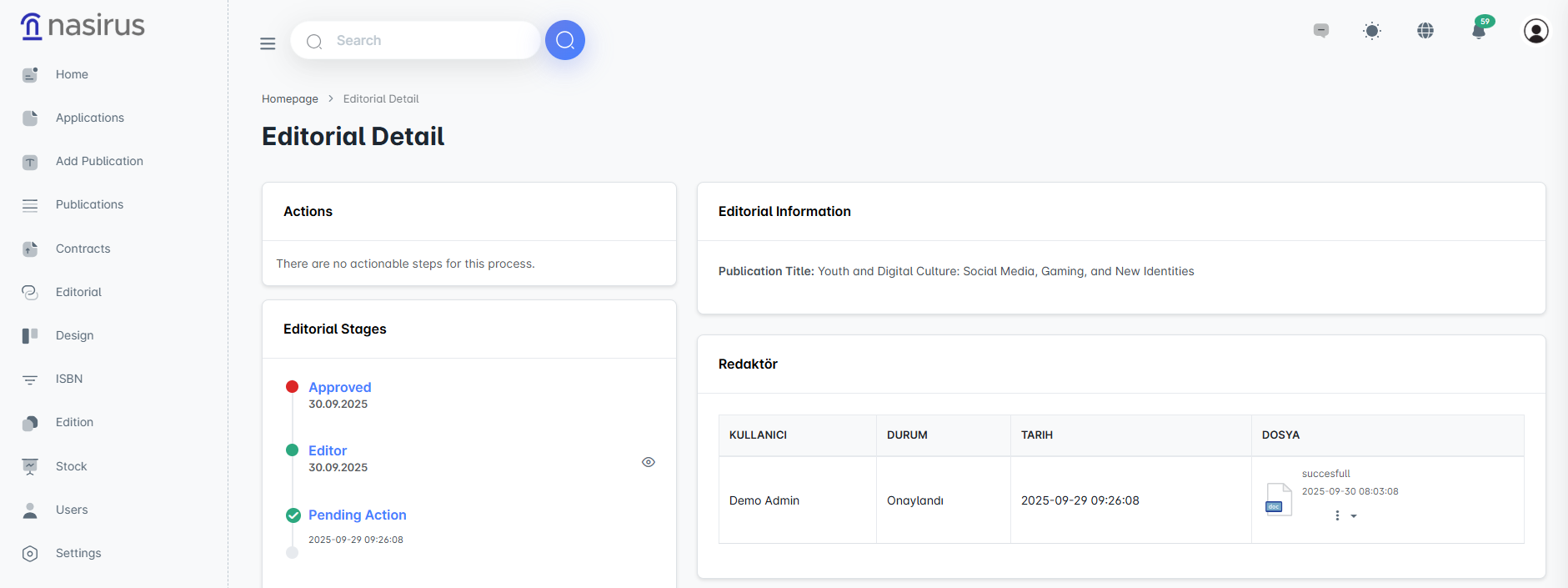
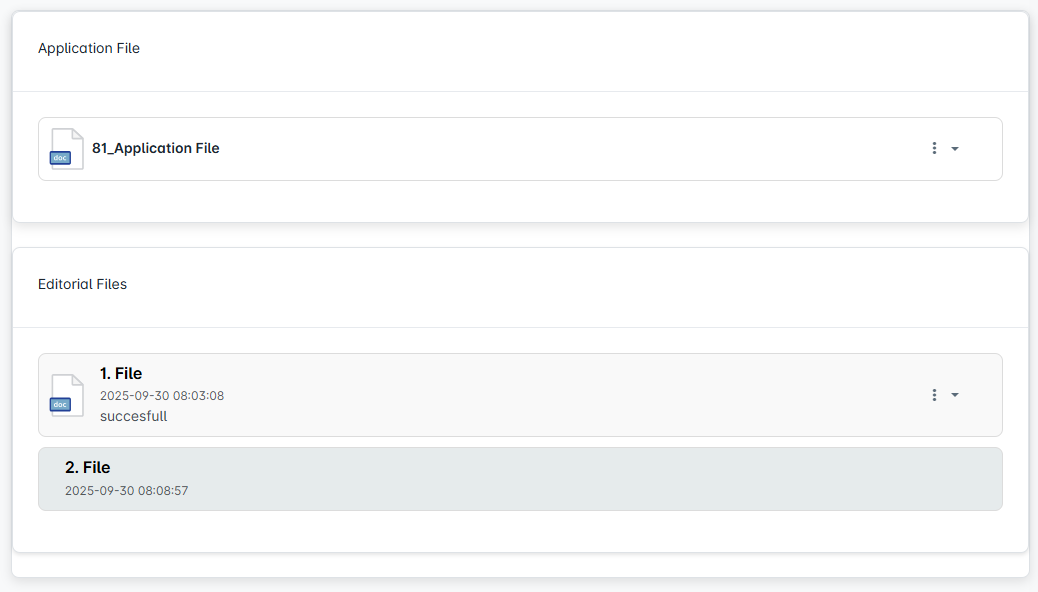
Detailed information is displayed for the selected publication within the editorial process. The process stages are presented in a timeline format, allowing clear tracking of which actions have been completed and which are pending. Additionally, the relevant editorial files and the status of users' actions are also recorded here.
The editorial module systematically manages the process of improving and reviewing publications in terms of content, visuals, and language. Each stage is handled by qualified users, and all actions are recorded in the system. This ensures that the publication process progresses in a transparent, traceable, and standards-compliant manner.